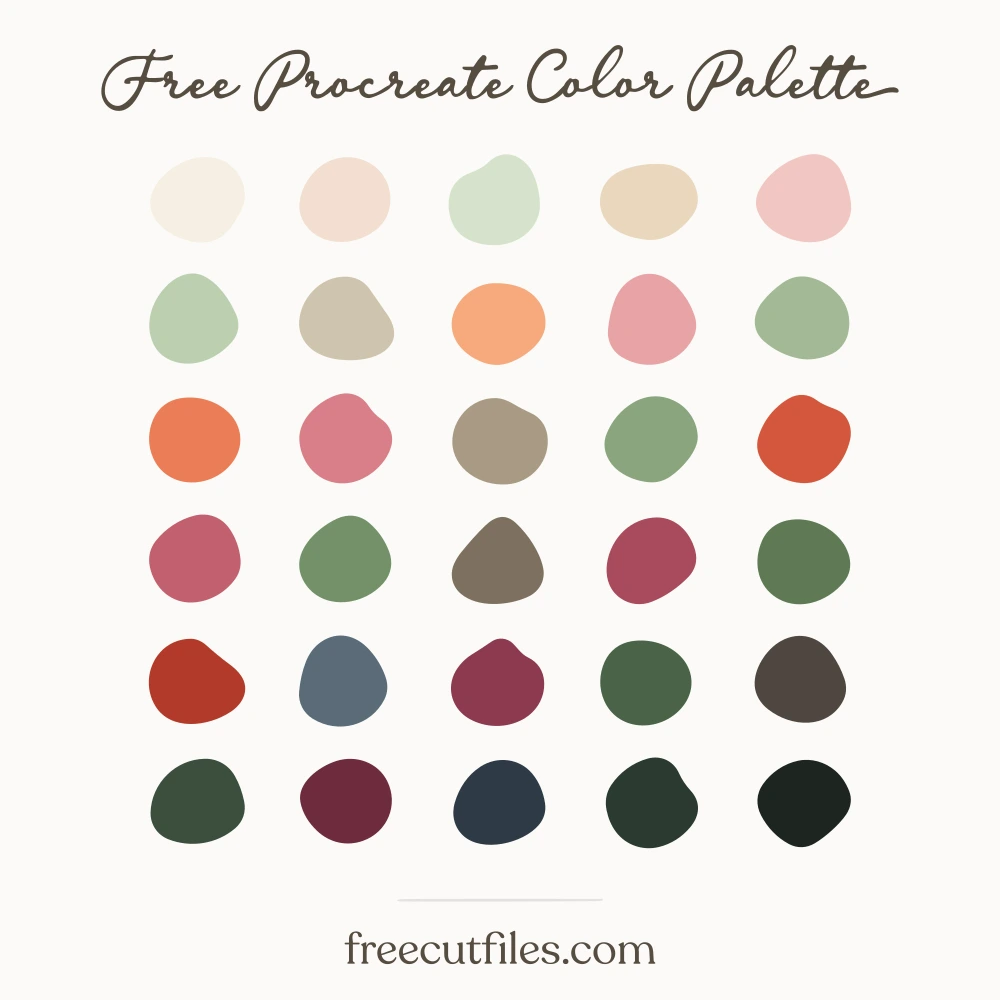
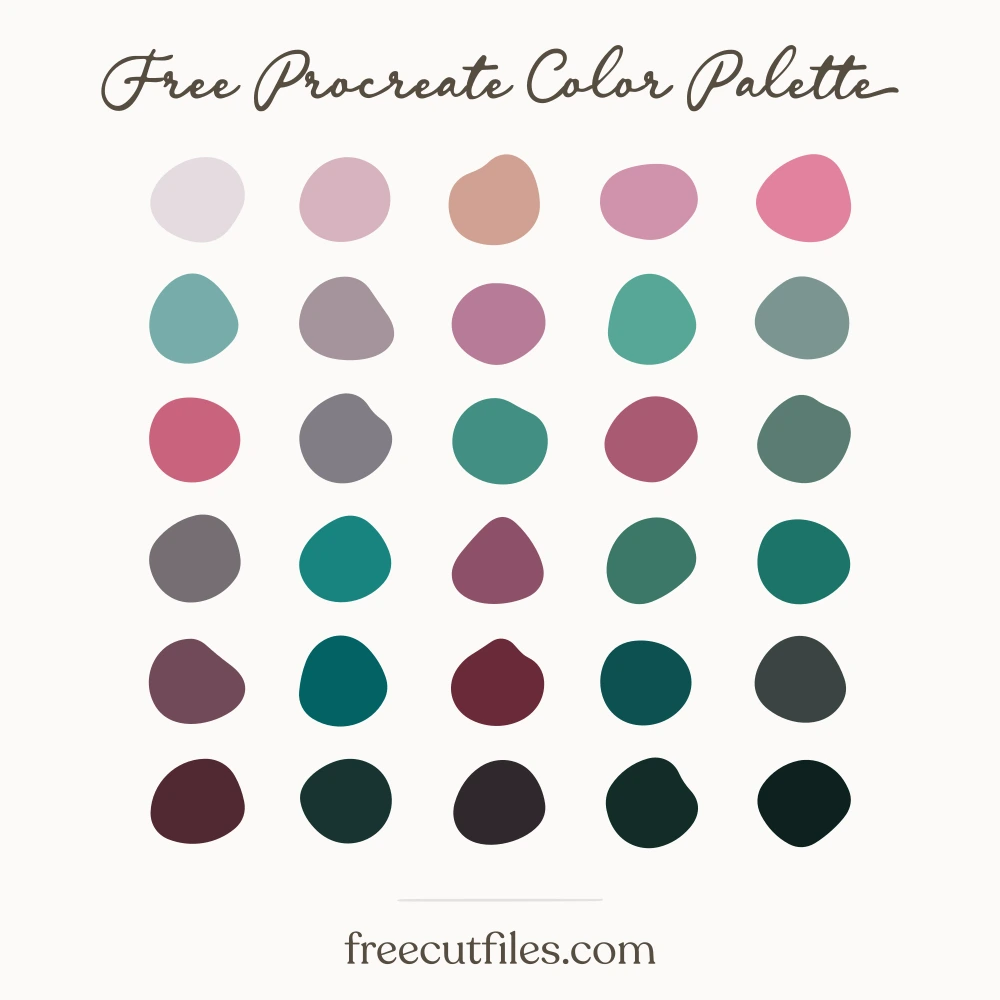
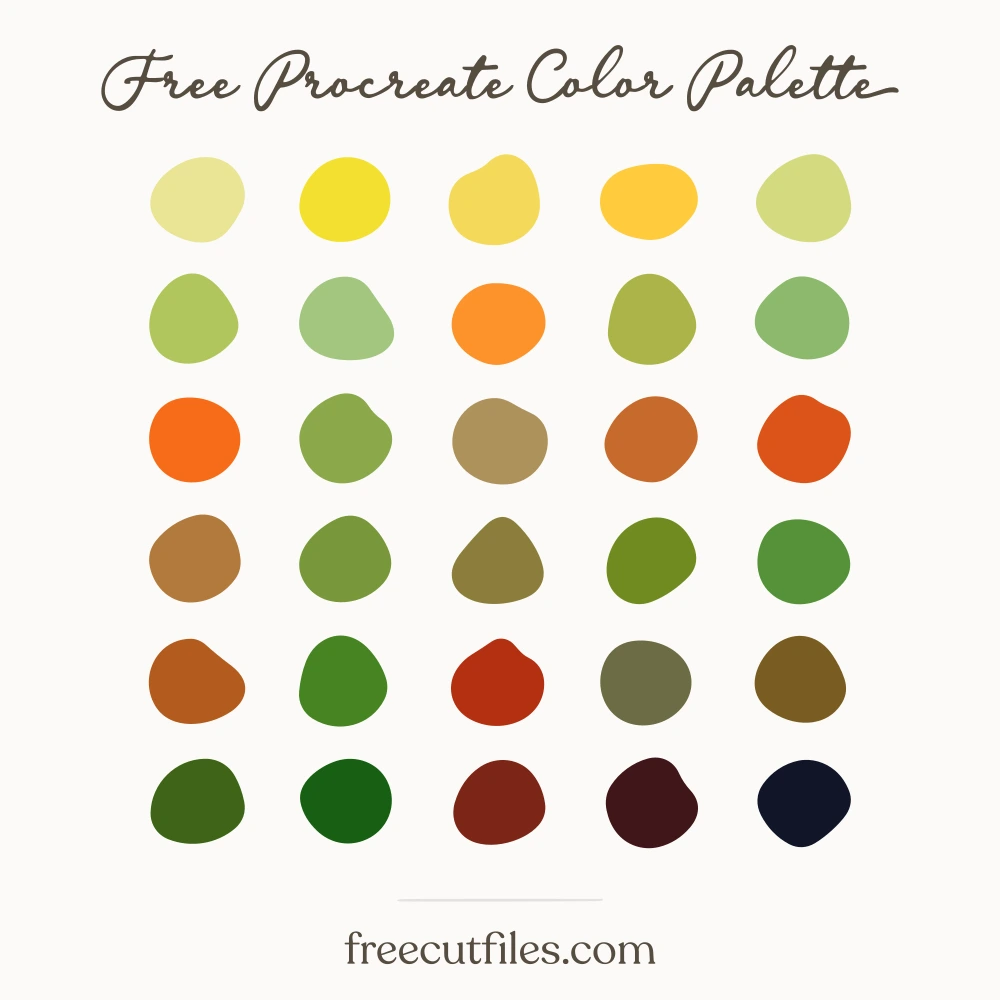
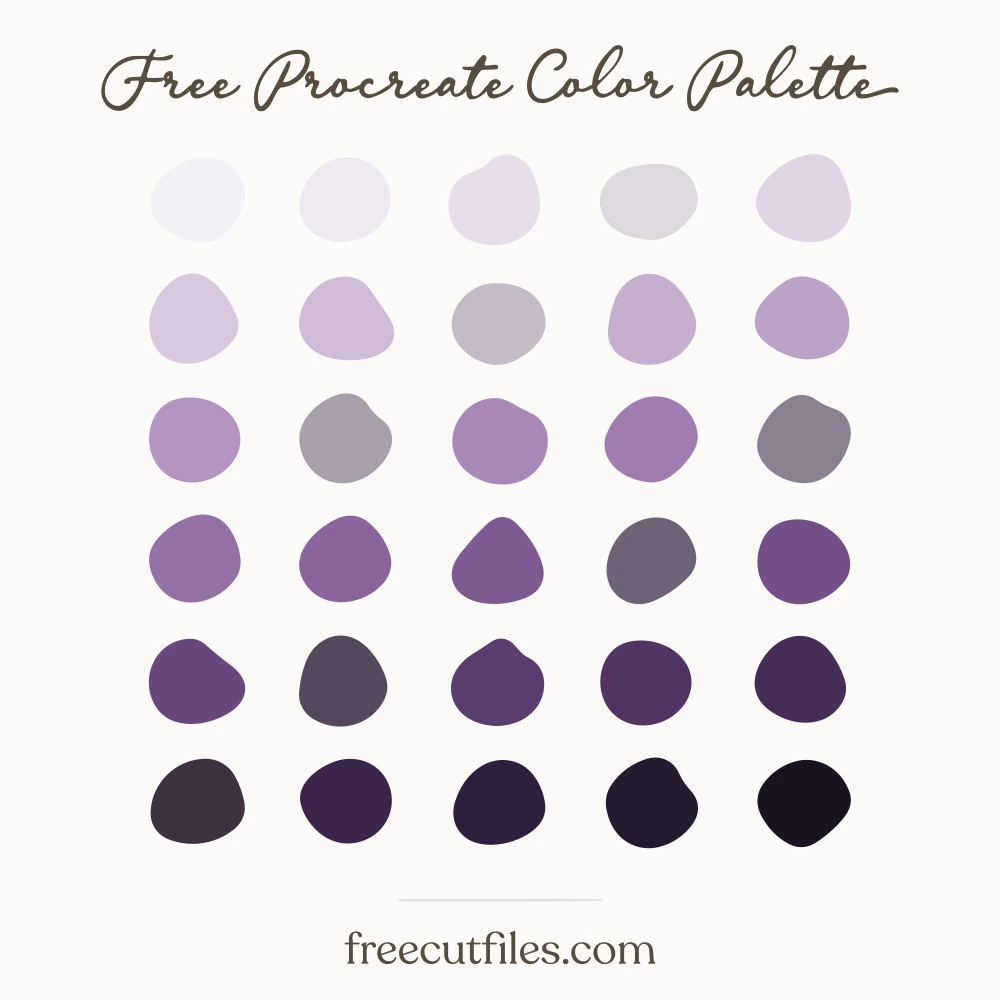
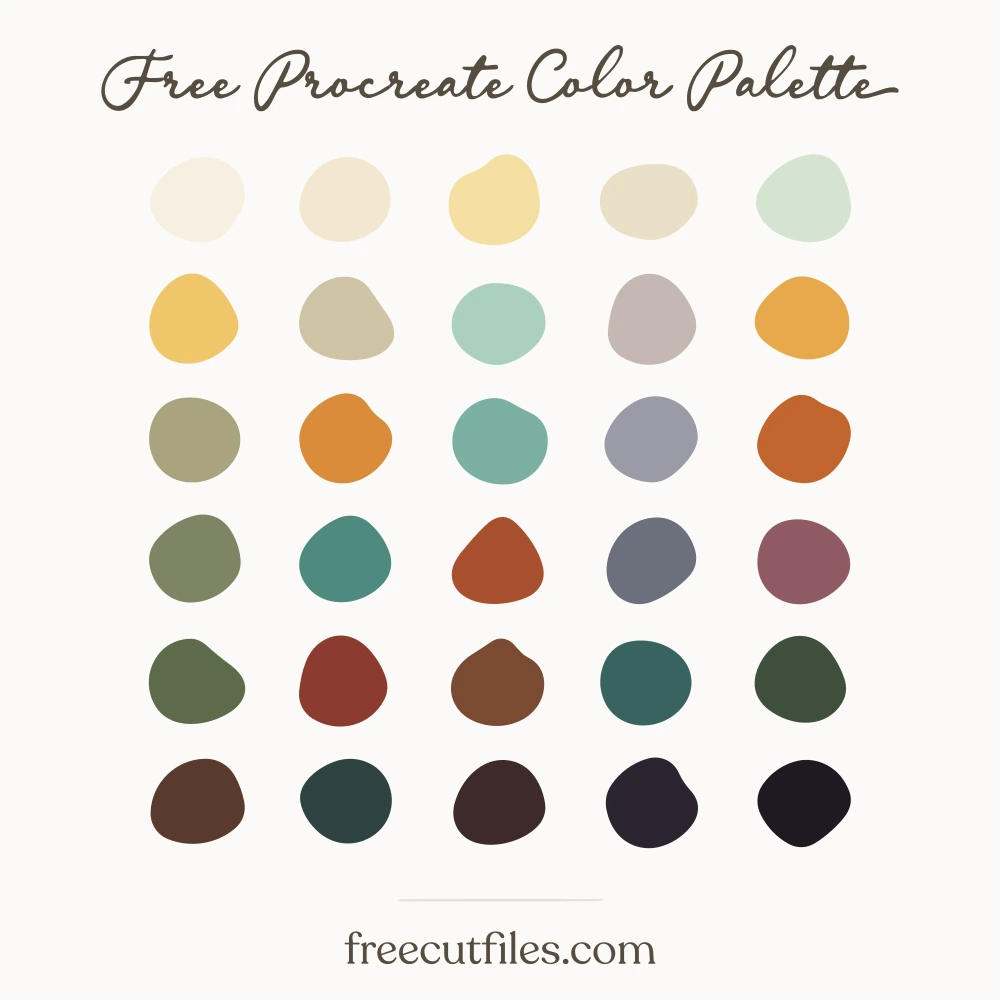
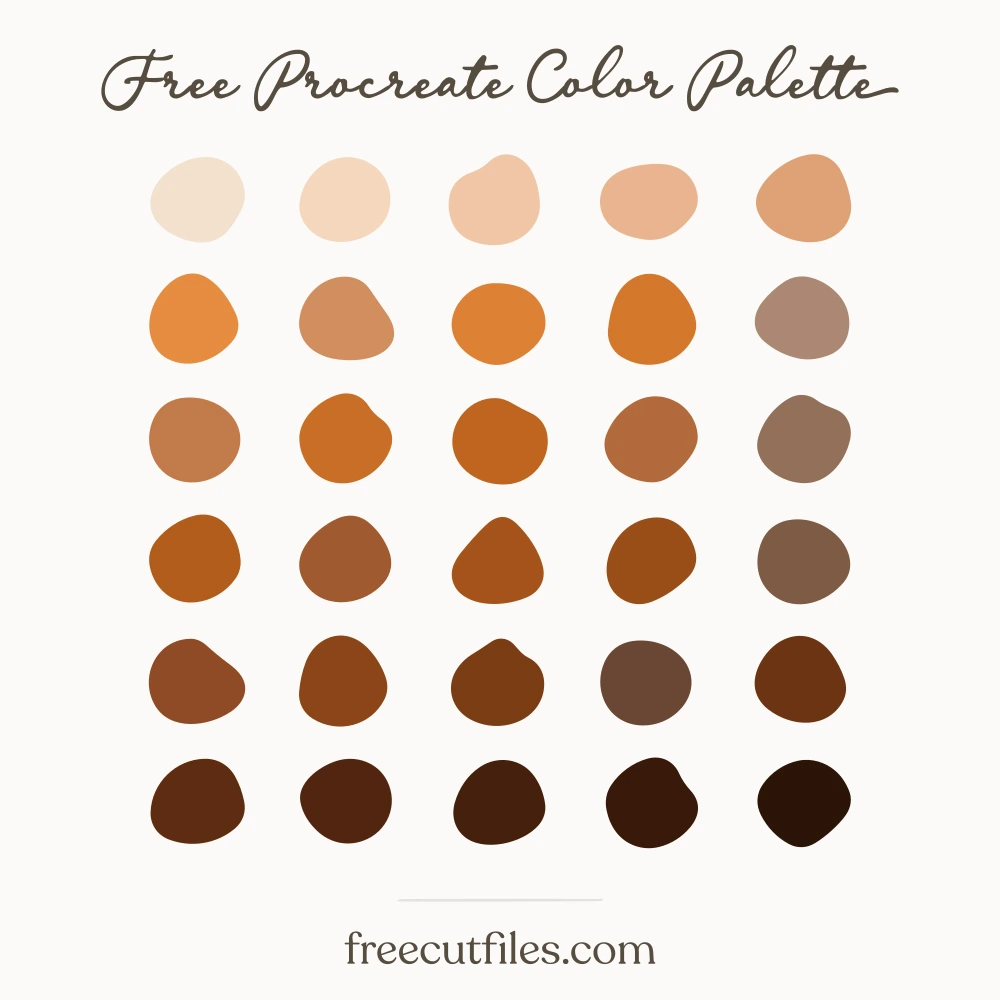
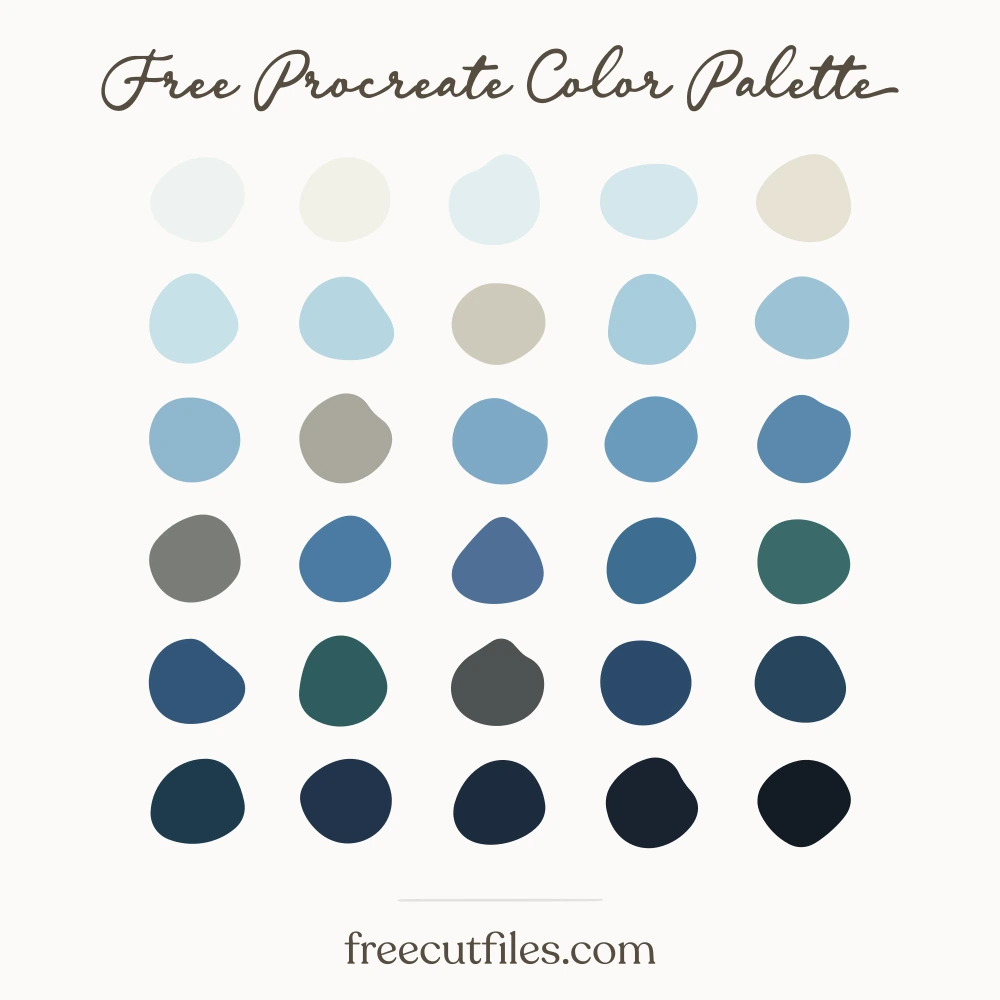
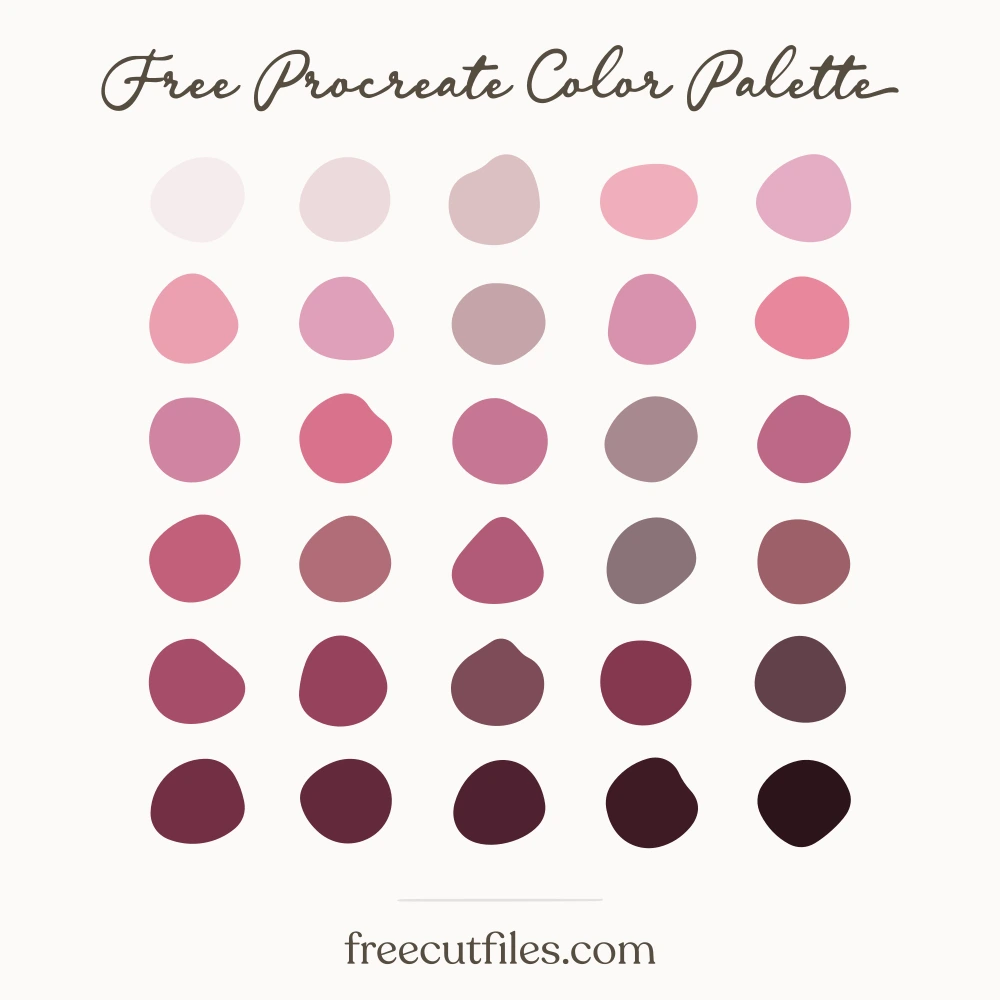
Brandy Flame Pudding hex codes: #f5ece0, #f0dcc0, #a9dbe9, #e8c79b, #d9a97e, #7cc3dc, #86a263, #c07a5f, #4f9ec0, #a37d52, #67864c, #8f6b43, #3a7c9b, #a84f4a, #7f5a38, #4e6a3c, #8c3a42, #2f5b78, #6e4a2f, #3c4f31, #5d3d2a, #6b2b3c, #2b3f58, #4b3226, #4a2234, #3d2a2b, #2e2033, #2d1a2a, #241b26, #1a1420
Brandy Flame Pudding Color Palette
A dark steamed-fruit base of prune, raisin brown and burnt sugar, lit by the blue brandy flame in teal, sky and pale ice. Holly greens and a run of brandy butter cream through to near-white keep it readable. Good for dessert illustration, hand lettering on dark backgrounds, menu cards and Christmas dinner stickers.
Download it free
Procreate.swatchesPhotoshop, Illustrator, Affinity.aseGIMP, Krita, Inkscape.gplCSS variables.css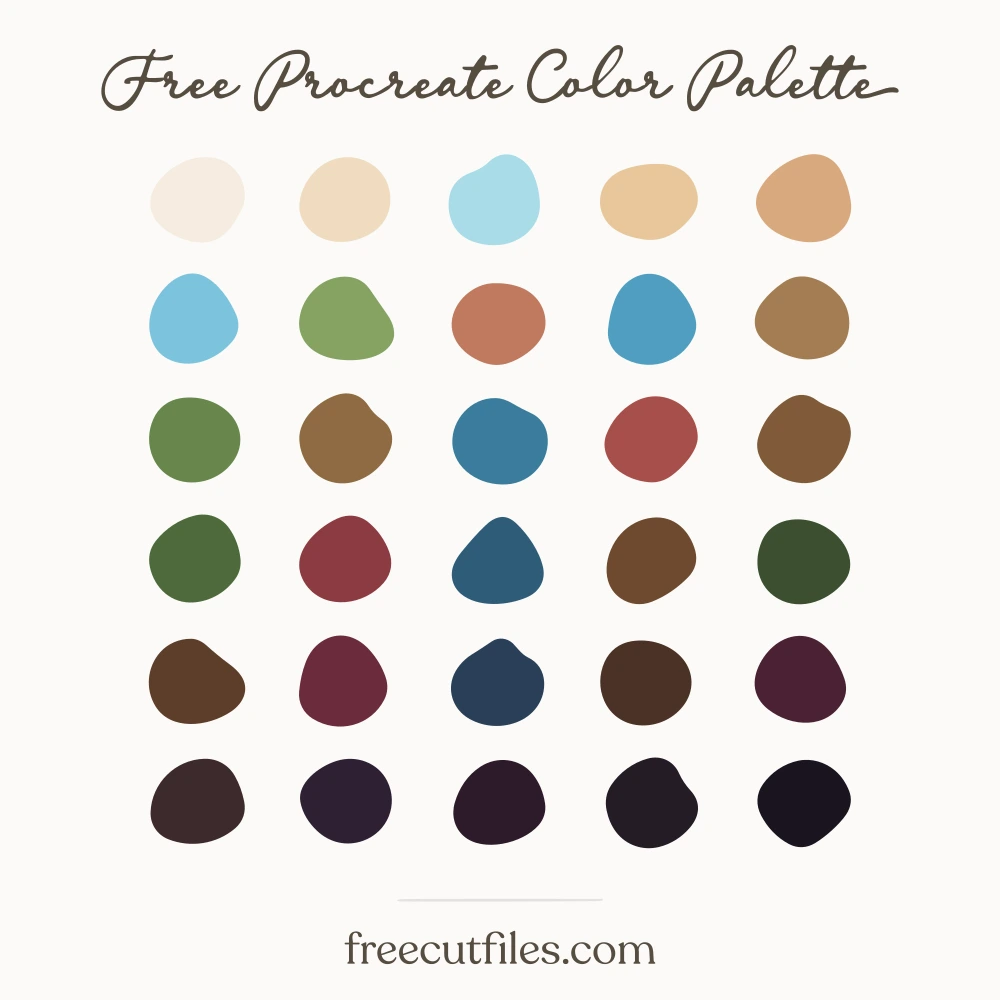 Keep it for laterSave this palette to Pinterest
How to open your file
These are palette files, not documents. Most apps load them from their swatches panel rather than from File, Open.
Procreate .swatches
- Download the file on your iPad.
- Tap it in Files or in Safari downloads.
- Procreate opens and the palette appears at the top of your Palettes list.
Illustrator .ase
- Window, then Swatches.
- Open the panel menu, the small lines at the top right of the panel.
- Open Swatch Library, then Other Library, then pick the .ase.
Opening the file from File, Open will say "unknown format". That is normal for every .ase.
Photoshop .ase
- Window, then Swatches.
- Open the panel menu at the top right of the panel.
- Import Swatches, then pick the .ase.
Affinity Designer and Photo .ase
- Open the Swatches panel.
- Open the panel menu, then Import Palette, then As Document Palette.
GIMP, Krita and Inkscape .gpl
- Open the palette panel or docker.
- Import, then pick the .gpl. In GIMP you can also drop it into your palettes folder.
How you may use it
The palette is a tool for your work, not a product to resell. No sign-up and no credit needed.