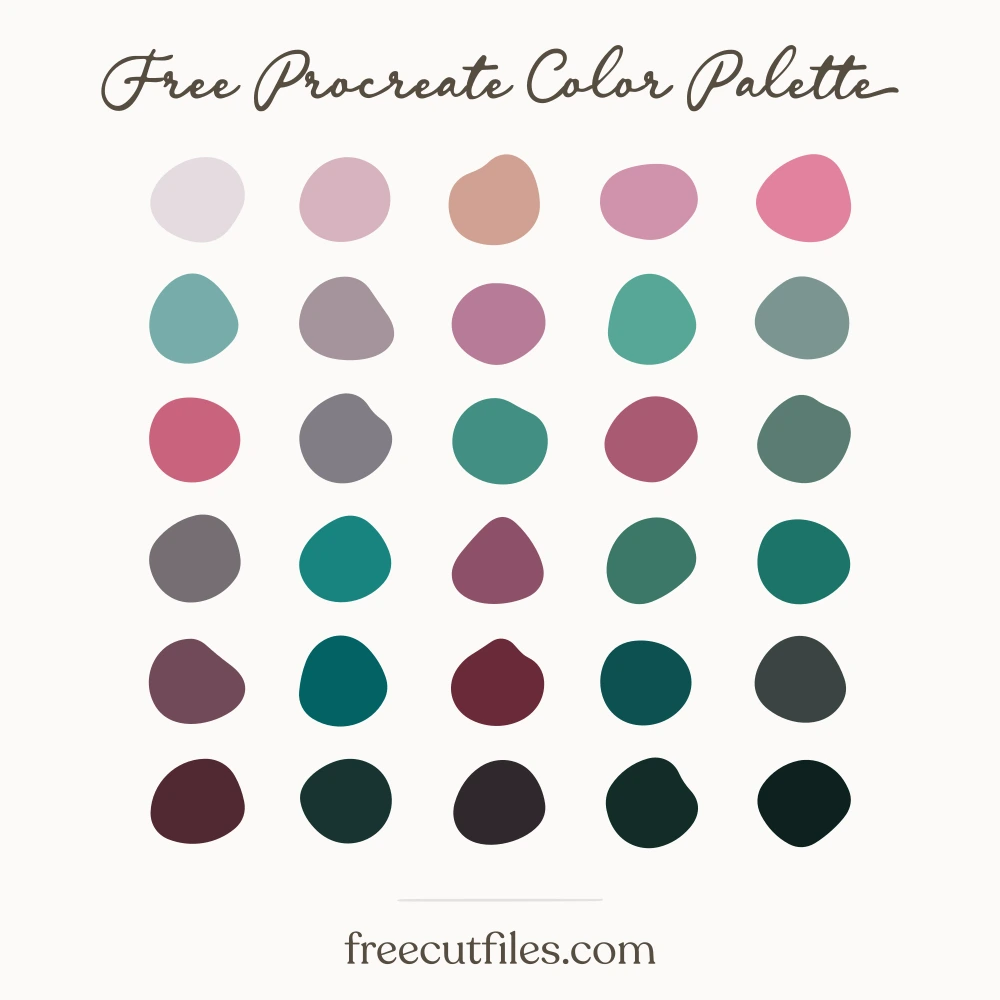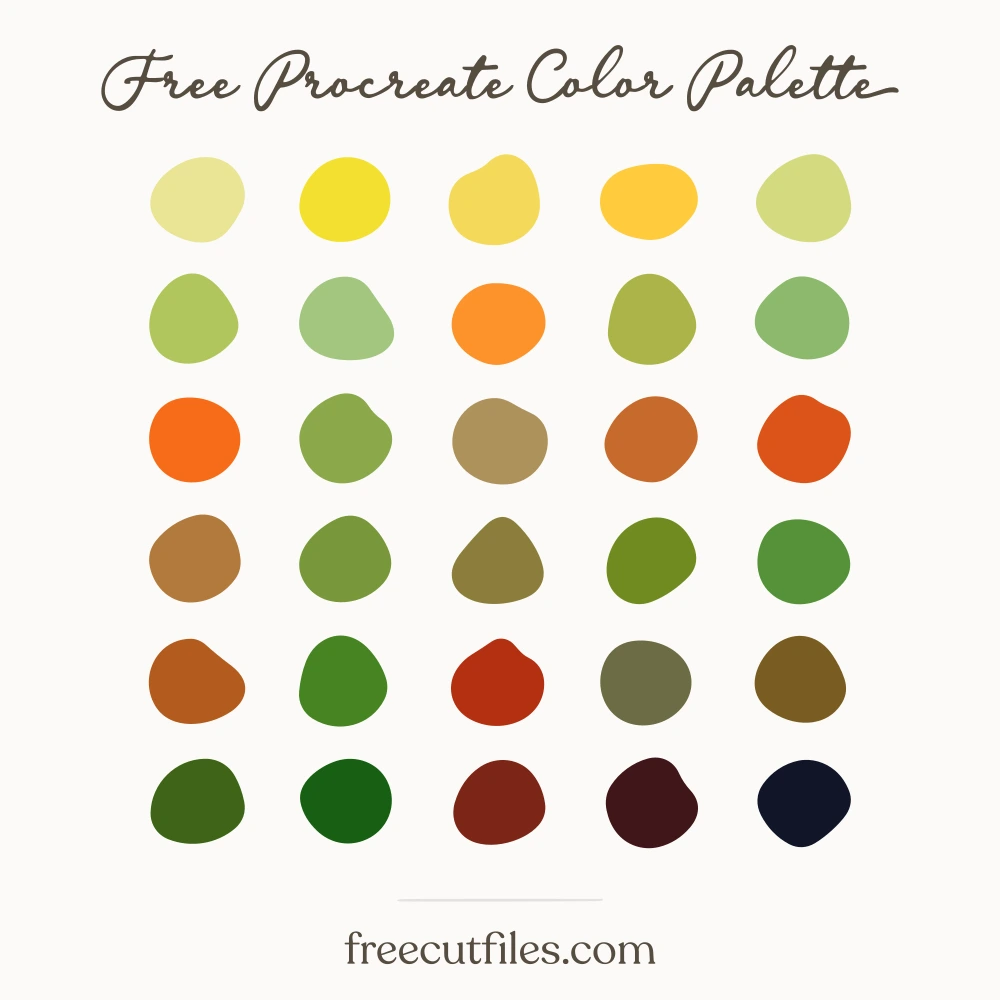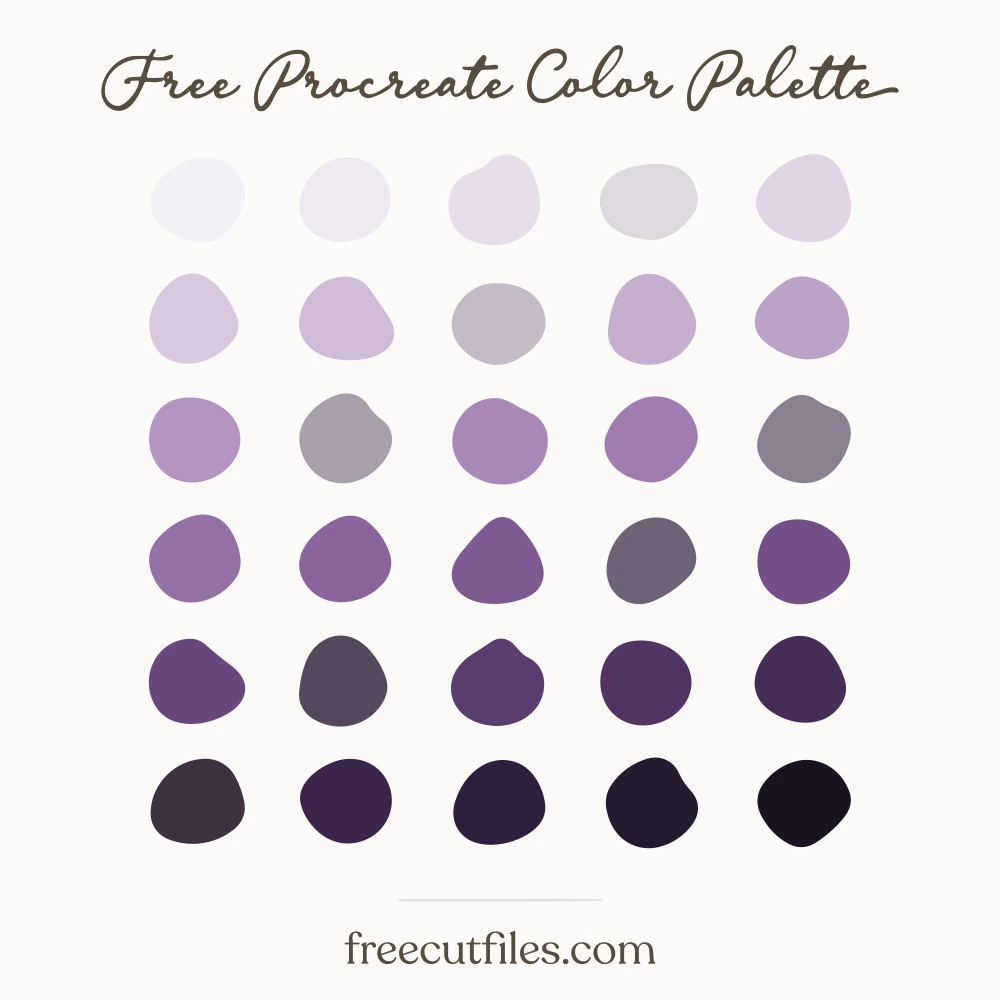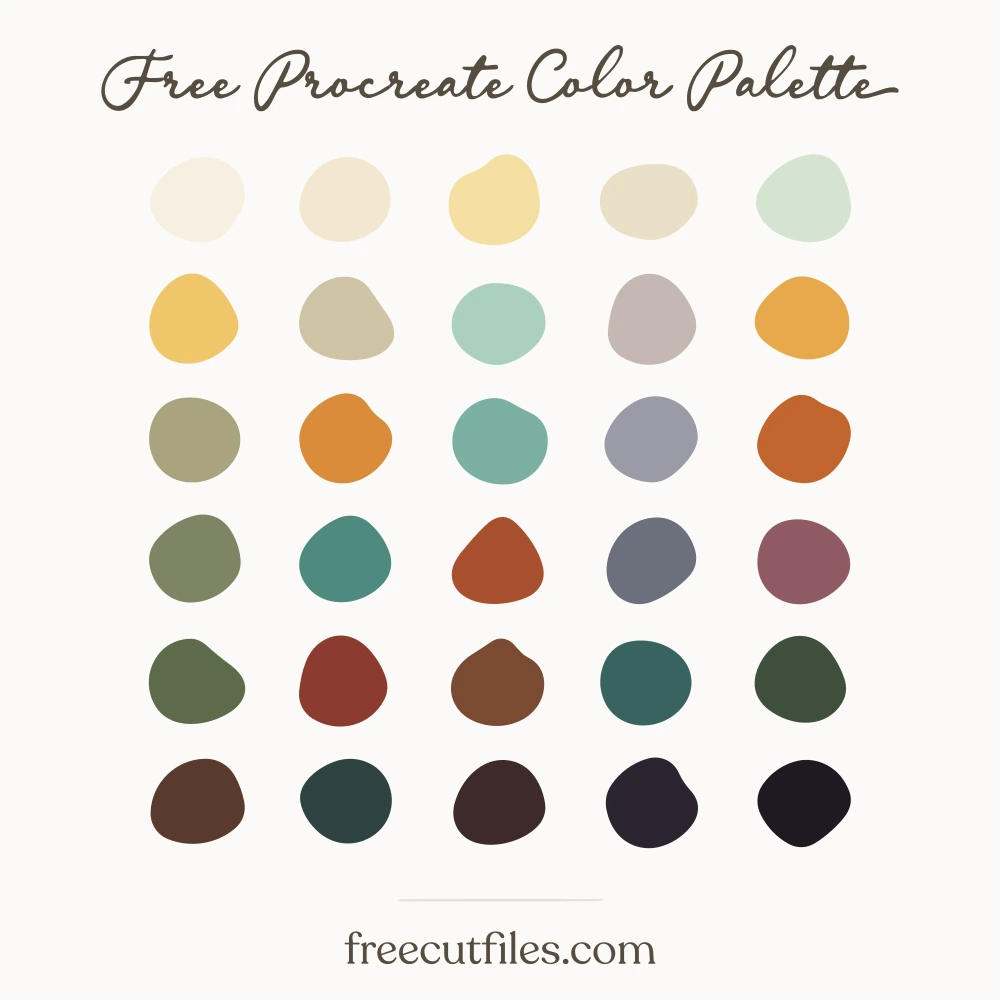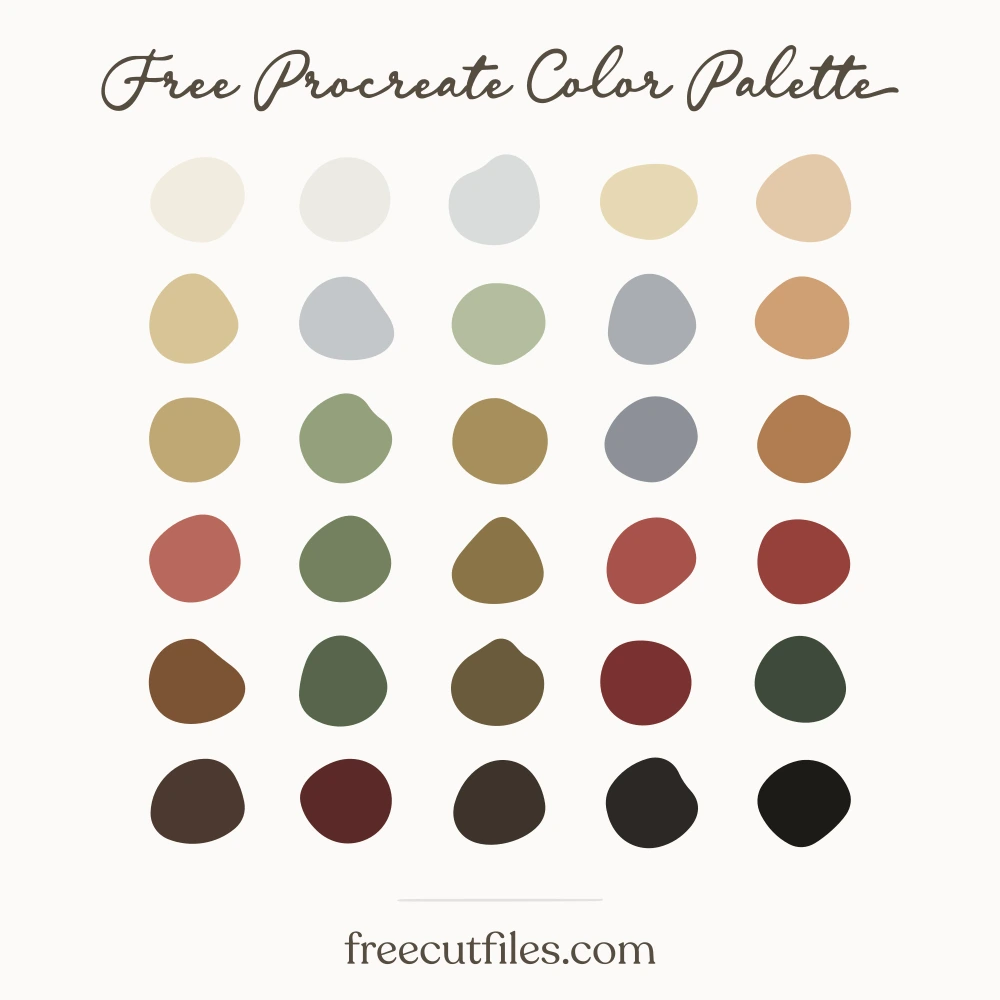
Cold Cranberry Midnight Color Palette
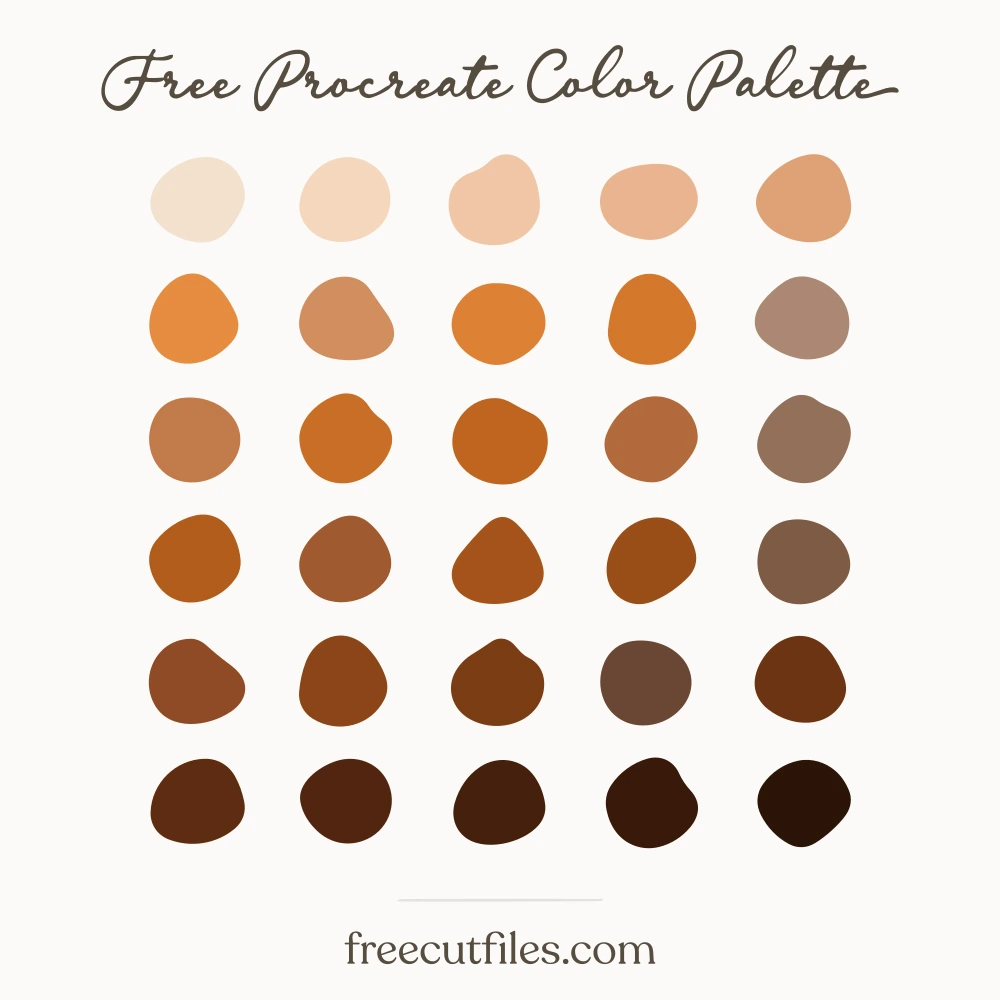
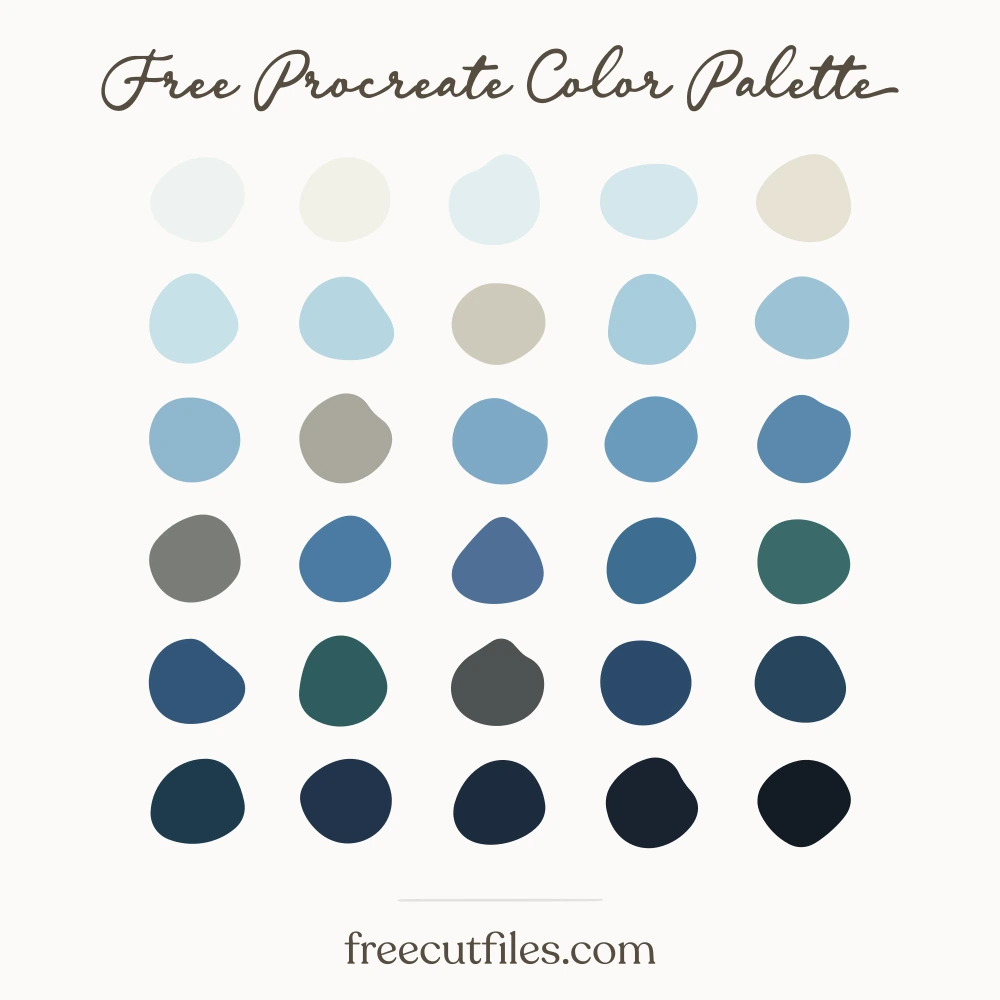
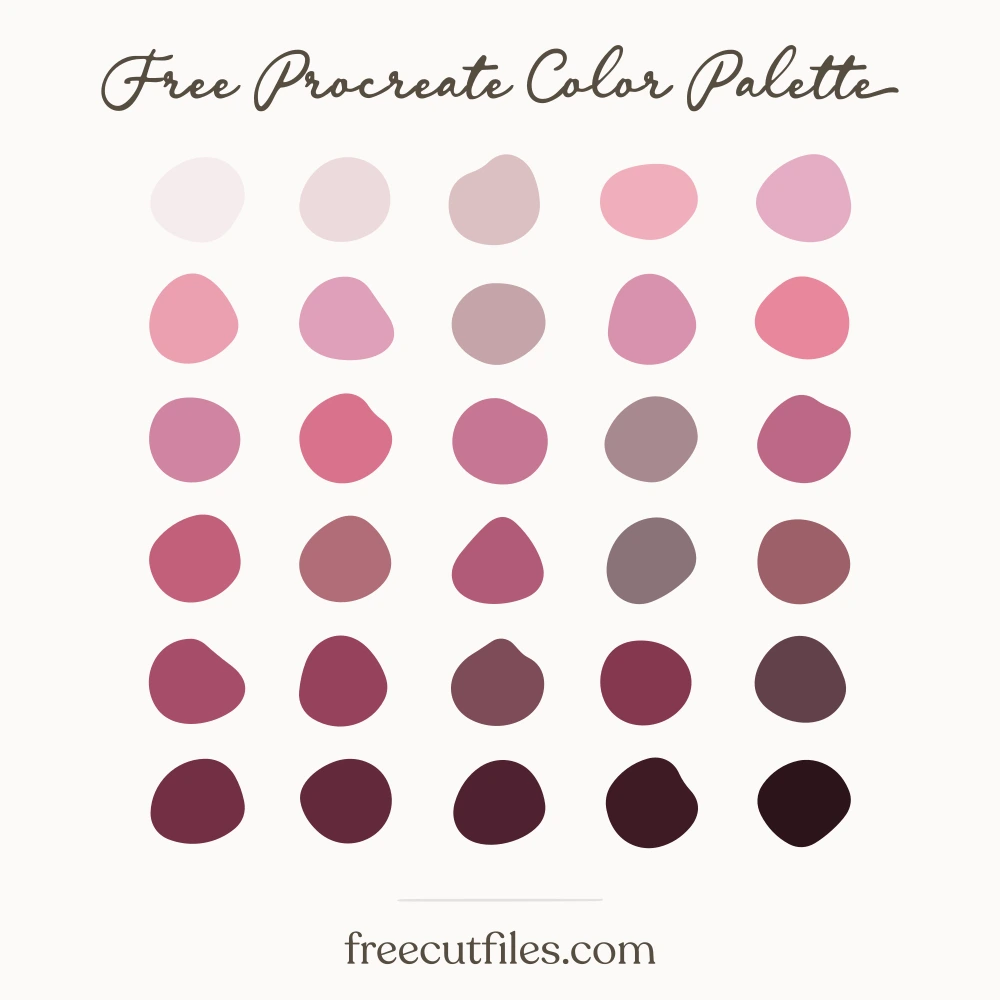
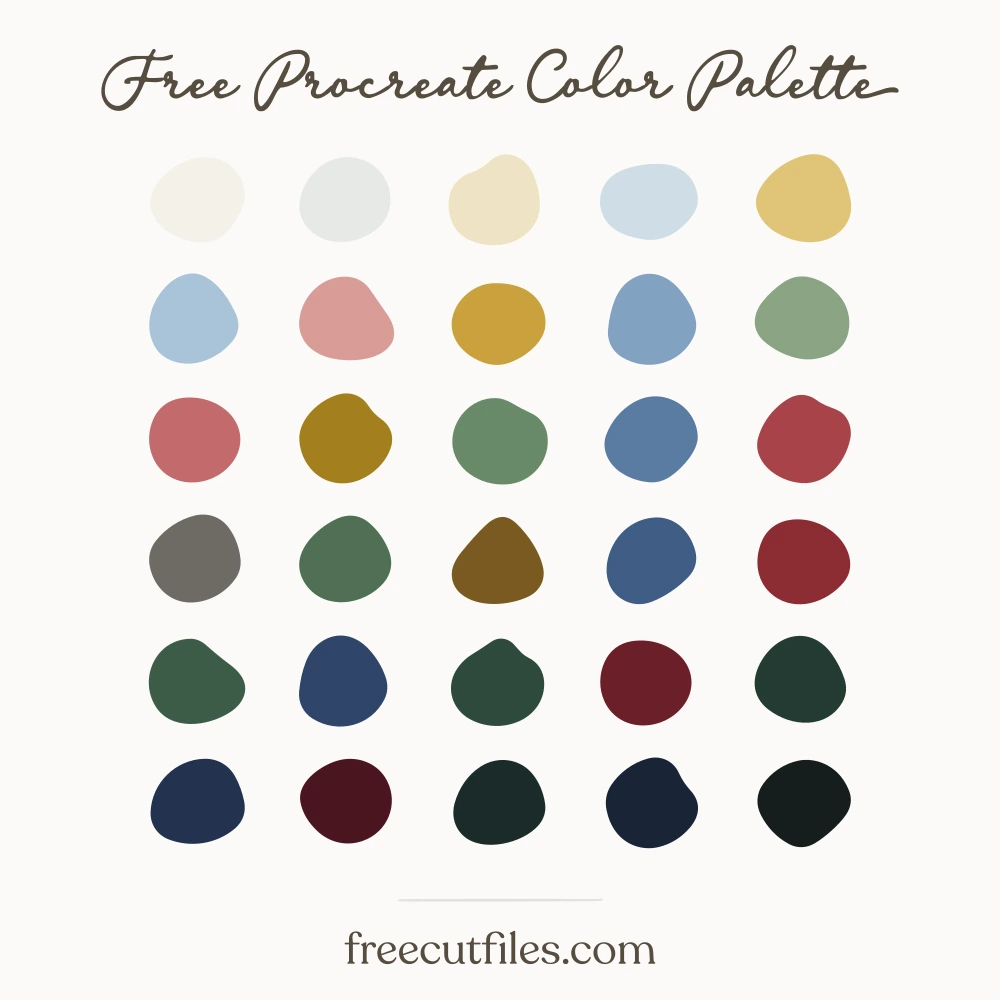
Deep roast browns and a dark cranberry red sit beside olive and sage greens, toasted crust golds, and the cool grays of foil and a fridge shelf. The pale waxed-paper creams and near-white linen tones keep the darker shades readable for lettering and labels. Good for leftover recipe cards, late-November illustration, sandwich and pie tin doodles, and Thanksgiving designs that skip the bright orange.
Download it
About This Free Palette
::: What you get :::
- -30 colors · a full Procreate palette, no empty slots
- -.swatches · Procreate
- -.ase · Photoshop, Illustrator, Affinity
- -.gpl · GIMP, Krita, Inkscape
- -.css · CSS variables
- -Hex codes · listed below, click any one to copy it
::: How you may use it :::
- Use these colors in anything you make, personal or commercial.
- Sell the artwork, products and designs you create with them.
- Do not sell, share or redistribute the palette itself, its files or its color list, on their own or inside a bundle.
In short: the palette is a tool for your work, not a product to resell. No sign-up and no credit needed.
How to open your file
These are palette files, not documents. Most apps load them from their swatches panel rather than from File, Open.
Procreate .swatches
- 1Download the file on your iPad.
- 2Tap it in Files or in Safari downloads.
- 3Procreate opens and the palette appears at the top of your Palettes list.
Illustrator .ase
- 1Window, then Swatches.
- 2Open the panel menu, the small lines at the top right of the panel.
- 3Open Swatch Library, then Other Library, then pick the .ase.
Opening the file from File, Open will say "unknown format". That is normal for every .ase.
Photoshop .ase
- 1Window, then Swatches.
- 2Open the panel menu at the top right of the panel.
- 3Import Swatches, then pick the .ase.
Affinity Designer and Photo .ase
- 1Open the Swatches panel.
- 2Open the panel menu, then Import Palette, then As Document Palette.
GIMP, Krita and Inkscape .gpl
- 1Open the palette panel or docker.
- 2Import, then pick the .gpl. In GIMP you can also drop it into your palettes folder.
The 30 colors
Cold Cranberry Midnight hex codes: #f2ece0, #eceae4, #d9dbdb, #e7d9b4, #e4c9a8, #d8c496, #c3c6c9, #b4bd9e, #a9adb2, #cf9f74, #c0a874, #94a07c, #a68f5c, #8d9199, #b07c50, #b9685c, #74815f, #8a7448, #a8524a, #96403a, #7d5335, #57654c, #6b5a3c, #7a3230, #3f4a3a, #4c3a30, #5b2a28, #3d332b, #2c2724, #1d1a17